


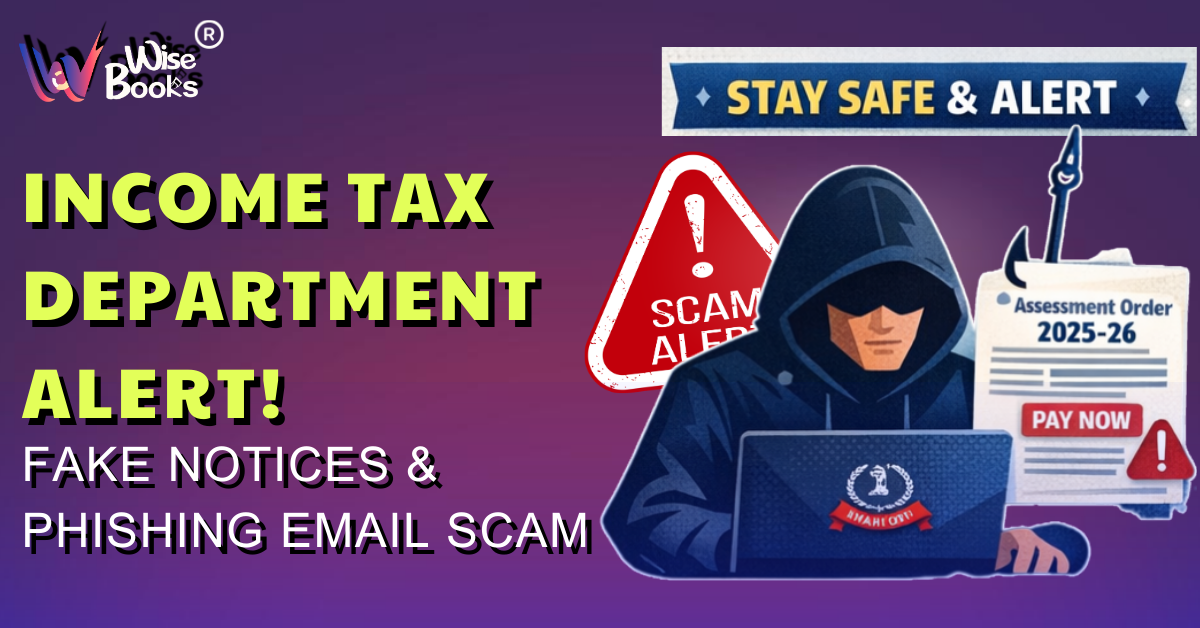
The Income Tax Department has issued a critical public warning about a surge in fraudulent emails impersonating official tax communications. These deceptive messages are designed to trick taxpayers into believing they are receiving legitimate notices from the government, while actually aiming to steal sensitive personal and financial information.
Cybercriminals are increasingly targeting taxpayers by sending emails that closely resemble authentic communications, complete with official logos, formal language, and reference numbers. Because of this high level of imitation, many individuals may find it difficult to distinguish between genuine notices and scams.
What These Fake Emails Claim
According to the advisory, scammers are circulating emails that:
- Claim to contain “Assessment Orders” for Assessment Year 2025–26
- Warn of penalties or legal action for non-compliance
- Urge taxpayers to make immediate payments
- Ask recipients to download attached documents
- Provide links to “view notice” or “update details”
These tactics are intentionally designed to create panic so that recipients act quickly without verifying authenticity.
The department has clearly stated that such emails are not issued by the government and are part of organized phishing campaigns.
How the Phishing Scam Operates
Fraudsters use sophisticated techniques to make their messages look real. Once a taxpayer interacts with the email, several security risks can occur.
Typical Attack Methods
1. Fake Portal Redirection
Clicking the link may open a counterfeit website that looks identical to the official tax portal. Victims unknowingly enter login credentials, PAN details, or bank information, which are captured by scammers.
2. Data Harvesting Forms
Some emails request users to “verify” or “update” details such as:
o PAN number
o Aadhaar information
o Bank account details
o Passwords
o One-Time Passwords (OTPs)
3. Malware Installation
Attachments disguised as PDF orders or notices may actually contain malicious software. Once downloaded, this malware can:
- Monitor keystrokes
- Steal stored passwords
- Access financial data
- Lock files (ransomware)
- Allow remote control of the device
4. Unauthorized Financial Access
Hackers may use stolen credentials to access bank accounts, file fraudulent returns, or commit identity theft.
In many cases, even a single click can compromise device security.
How to Identify Genuine Government Emails
The department has emphasized that official communications are sent only from authorized government domains.
Legitimate Domain
- @incometax.gov.in
If an email originates from any other domain — even one that looks similar — it should be treated as suspicious.
Scammers often use deceptive addresses such as:
- incometax-india.org
- gov-incometax.net
- support-itd.com
These are not official.
Warning from the Press Information Bureau
The government’s fact-checking body has also flagged a rise in fraudulent emails claiming to provide:
- e-PAN card downloads
- Refund confirmations
- Verification requests
- Account suspension notices
These messages are intended to lure users into downloading harmful files or revealing confidential information.
Essential Safety Measures for Taxpayers
Authorities strongly advise citizens to remain cautious and follow cybersecurity best practices.
1. Avoid Clicking Unknown Links
Do not open links from unsolicited emails, especially those demanding urgent action.
2. Be Skeptical of Unexpected Emails
If you did not initiate any request or filing, treat sudden notices with caution.
3. Never Download Suspicious Attachments
Files labeled as “Order,” “Notice,” or “Refund Statement” may contain malware.
4. Do Not Share Confidential Information
Government agencies never request sensitive details such as:
- Passwords
- OTPs
- Full bank details
- Debit/credit card information
via email or SMS.
5. Maintain Device Security
Keep antivirus software updated and ensure your operating system has the latest security patches.
Always Verify Through the Official Portal
Instead of trusting email communications, taxpayers should independently confirm any notice through the official e-Filing website:
i. Log in to your account on the official portal
ii. Check the “e-Proceedings” or “Notices” section
iii. Genuine communications will always appear there
If no notice exists on the portal, the email is likely fraudulent.
Reporting Suspicious Emails
To help combat cybercrime, taxpayers are encouraged to report phishing attempts immediately.
Suspicious emails can be forwarded to:
webmanager@incometax.gov.in
Reporting helps authorities identify scam patterns and protect other citizens.
Important Clarification from the Department
The Income Tax Department has clearly stated:
i. It NEVER asks for passwords, OTPs, or banking details via email, SMS, or phone calls.
ii. It does not demand instant payments through email links.
iii. All official actions are routed through the secure portal.
Any communication requesting such information should be considered fraudulent.
Why Such Scams Are Increasing
i. Large taxpayer databases — Scammers send bulk emails to thousands of people, knowing that some will assume the message is genuine and respond.
ii. Panic during deadlines — Urgent warnings about penalties or legal action push people to act quickly without verifying authenticity.
iii. Low cybersecurity awareness — Many users cannot easily identify fake emails, websites, or malicious attachments.
iv. Trust in government branding — Official logos, formal language, and legal tone make fraudulent messages appear authentic.
These scams can result in financial loss, identity theft, and misuse of personal information.
Final Takeaway
As online tax processes become more common, vigilance is essential. Fraudsters rely on urgency and confusion to succeed.
i. Always verify communications through official channels
ii. Never share confidential information via email links
iii. Avoid downloading unknown files
iv. Report suspicious messages promptly
Staying informed and cautious is the best defense against financial fraud and cybercrime.


Comments
No comments yet. Be the first to comment!